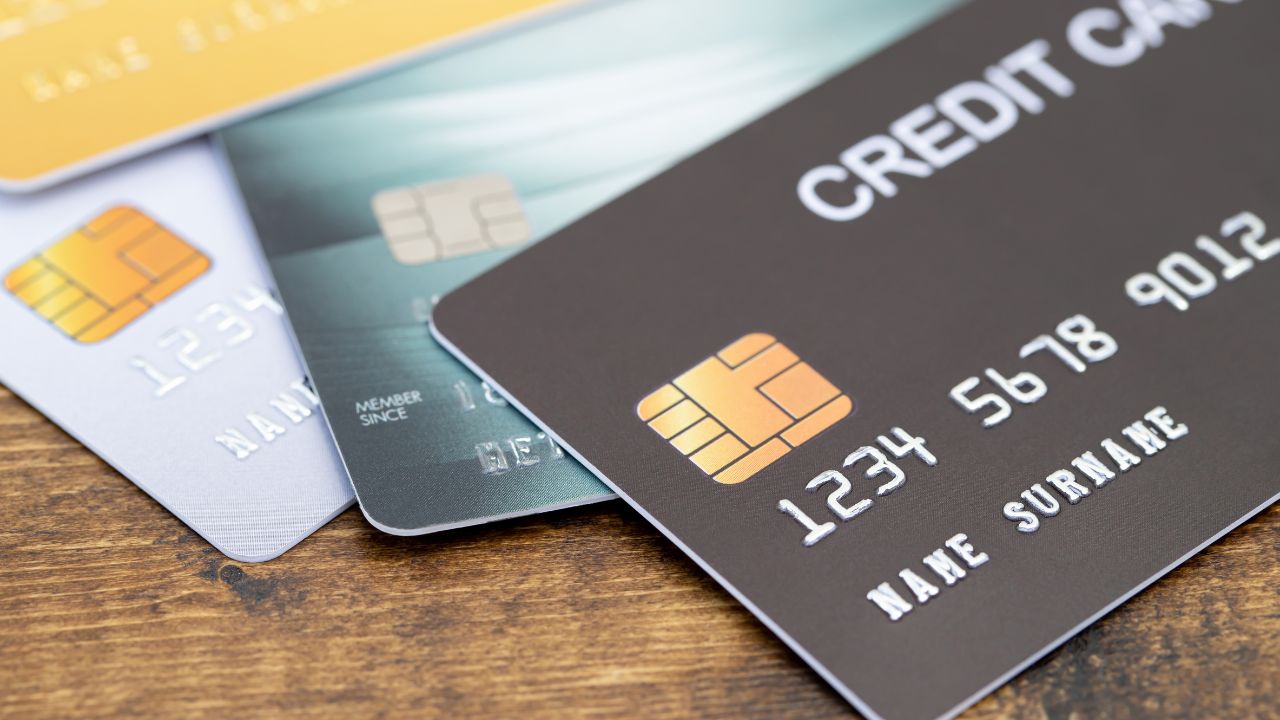
Here is a common example. A social media ad shows a winter jacket at 70% off from a store you have never heard of. The site looks polished, with product photos, a countdown timer and dozens of five-star reviews. You enter your card details, get no order confirmation, and two weeks later you see charges on your card from places you have never shopped.
Most unfamiliar websites are honest small businesses. Some are not, and a few honest ones simply have weak security. You cannot always tell the difference at a glance, but you can check a handful of signals in a few minutes and choose a payment method that limits the damage if you get it wrong. This checklist covers both.
Why a professional-looking site proves little
Store templates make it easy to build a convincing shop in an afternoon. Logos and photos can be copied, reviews can be invented and a padlock in the address bar only means the connection is encrypted. As the FTC’s online shopping advice points out, the “s” in https does not mean a site is legitimate. You need signals that are harder to fake.
The safe online shopping checklist
Before you click
- Check how you got there. If you arrived from an ad, a text message or a social media post, close it and type the store’s address yourself or search for it directly.
- Read the domain carefully. Look for extra words, swapped letters or odd endings that imitate a known brand.
- Search the store’s name with “complaint” or “scam”. The FTC recommends exactly this, and it often surfaces problems in seconds.
On the site
- Find real contact details. A physical address, a working phone number and a support email on the store’s own domain are good signs. A contact form alone is weak.
- Read the returns and shipping policy. Vague, copied or missing policies are a warning. So is a policy that names a different company.
- Check reviews somewhere else. Reviews on the store’s own pages are easy to fake. Look on independent sites and check whether reviewers have a history.
- Be wary of extreme discounts. Prices far below every other seller, often with a countdown timer, are a classic sign of a fake store.
At checkout
- Look at the payment options. Walk away from any seller that insists on gift cards, wire transfers or other payments you cannot dispute.
- Check the checkout address. The payment page should be on the store’s domain or a known payment provider, over https. This is necessary, not sufficient.
- Do not save your card. Use guest checkout where you can, so the store does not keep your details on file.
- Pick a payment method that limits exposure. See the comparison table below.
After you pay
- Save the confirmation and receipts. You will need them for any dispute.
- Watch your statement. Check for the expected charge, and for any you do not recognize, over the next few weeks. If a seller gives no shipping date, the FTC says it must ship within 30 days.
Payment options compared for unfamiliar sites
| Payment method | If the site leaks or steals your details | If the order never arrives | Best used for |
|---|---|---|---|
| Credit card | Federal limits on liability for unauthorized charges, but your main card needs replacing | Strong dispute rights through your issuer | Purchases where delivery is the main risk |
| Debit card | Money leaves your bank account while you dispute | Dispute rights vary by bank | Sites you already trust |
| Digital wallet | The merchant often receives a token, not your card number | Depends on the card behind the wallet | Stores that support it |
| Prepaid virtual card | Exposure limited to the funds on that card, and your bank card stays private | Depends on the provider’s dispute process | Stores you are unsure about, for small and medium amounts |
| Gift card or wire transfer to the seller | Money is usually gone | Very hard to recover | Avoid with unknown sellers |
Decision framework: buy, pause or walk away
- Walk away if the seller only accepts gift cards or wire transfers, the domain imitates a brand, or a search turns up scam reports.
- Pause and check further if there are no independent reviews, the contact details are thin, or the price is far below everyone else.
- Buy with an exposure-limiting method if the store looks legitimate but small or new. Use a credit card when non-delivery is your main worry, or a separate prepaid card when data security is.
- Buy normally from stores you know, with confirmation emails, clear policies and a track record.
The capped-card tip
One of the most useful habits for unfamiliar sites is to keep your main bank card out of the checkout form. A card that holds only a limited amount, separate from your bank account, means the worst case is losing that amount, not having your main card drained or replaced. Some banks offer virtual numbers with spending limits. Prepaid virtual cards do it by design, because they can only spend what is on them.
Example: a separate prepaid card with ZenVCC
ZenVCC is one provider of prepaid virtual cards that people use this way. You fund a balance with crypto (Bitcoin, USDT on TRC-20 or Solana, TRX or SOL), and each deposit is checked on its blockchain before it is credited. From that balance you buy a prepaid Visa, Mastercard, American Express or Maestro card, and that card, not your bank card, goes into the checkout. If the store turns out to be unsafe, the exposure is the funds on that card.
It is worth being clear about the trade-offs:
- No adjustable limits. ZenVCC does not offer spending limits you set per card. The cap is simply what the card holds, and cards cannot be topped up from the dashboard.
- 3-D Secure. Payments that ask for a 3-D Secure one-time code cannot be completed with these cards, because the dashboard does not show those codes. Some stores will therefore decline them.
- Disputes. Its FAQ does not describe a dispute process for card charges. If non-delivery is your main risk, a credit card’s dispute rights may serve you better.
- Cost. Each card has a one-time $10 issue fee and $0.10 per payment, with no monthly fee. That suits a card you will reuse for online shopping more than a single cheap order.
- Finality. Card purchases are final once the details are ready, and there are no transfers from a card back to your balance.
Before relying on one for a purchase, read ZenVCC’s guide to why card payments get declined, which covers billing details, 3-D Secure and expired cards. Each store decides which cards it accepts, and no provider can guarantee acceptance.
Key takeaways
- A padlock and a polished design do not prove a store is legitimate. Check the domain, search for complaints and look for independent reviews.
- Walk away from sellers that only accept gift cards or wire transfers.
- Use guest checkout and do not save your card on unfamiliar sites.
- Match the payment method to the risk: credit cards for delivery disputes, separate prepaid cards to keep your bank details private.
- Save confirmations and watch your statement after any purchase from a new store.
Bookmark this checklist and run through it the next time an ad sends you to a store you do not know. If you want a separate prepaid card for online shopping that keeps your bank card out of checkout forms, take a look at ZenVCC and weigh it against the options above.
Leave a Reply